
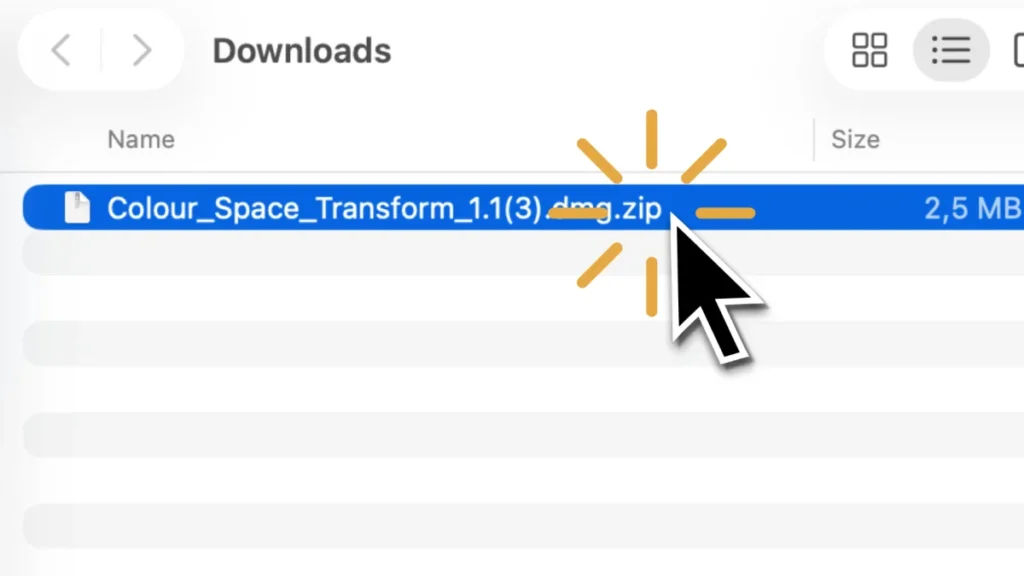
Step 1: Quit Final Cut Pro and unzip the file
After downloading, double click the zip file if it is not already unzipped.
If Final Cut Pro is still running, quit it now.
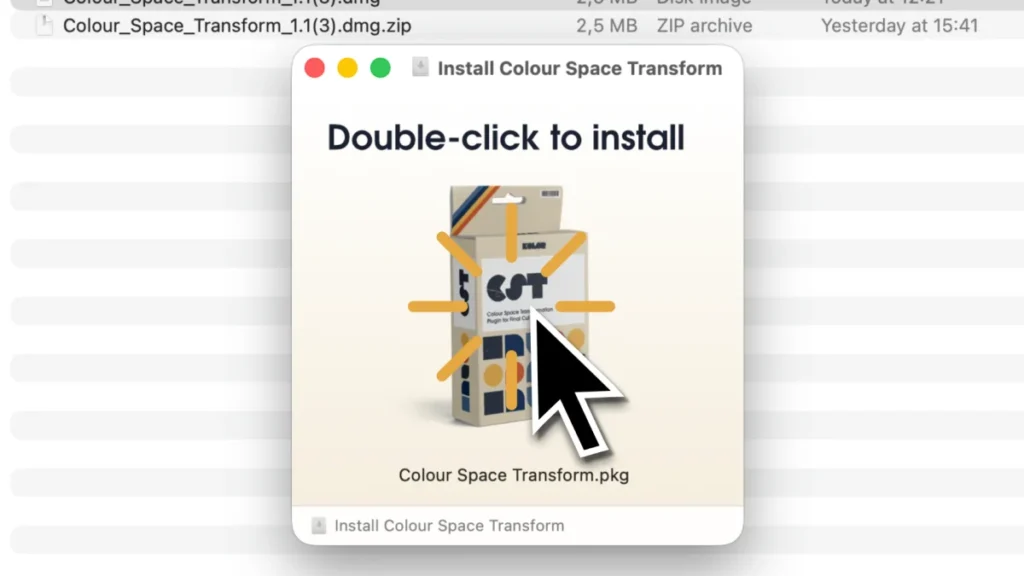
Step 2: Run the installer
Double click the .dmg file to open this window. Then, double-click to install.
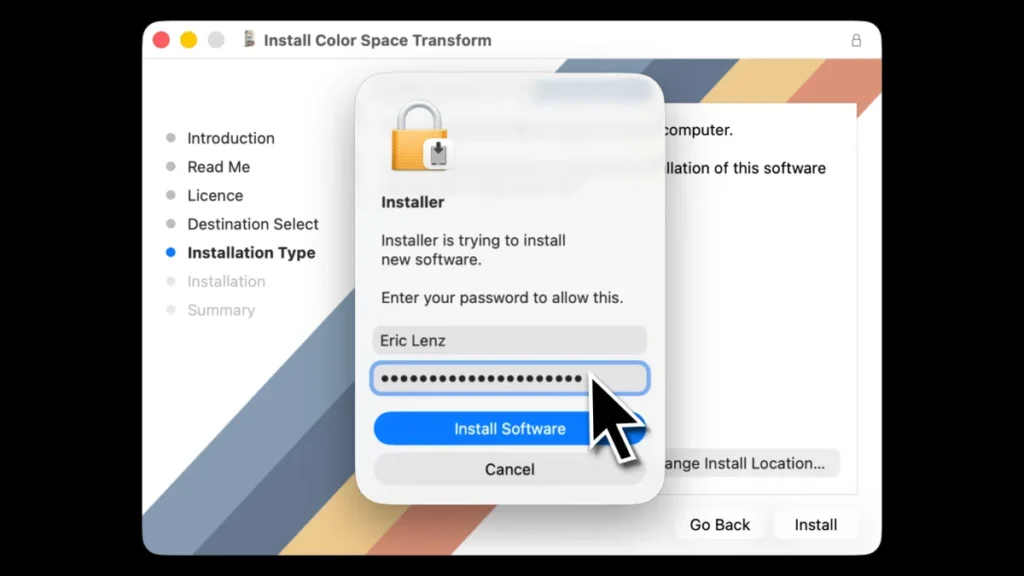
Step 3: Enter your password
Enter your Mac’s password to install the Colour Space Transform plugin.
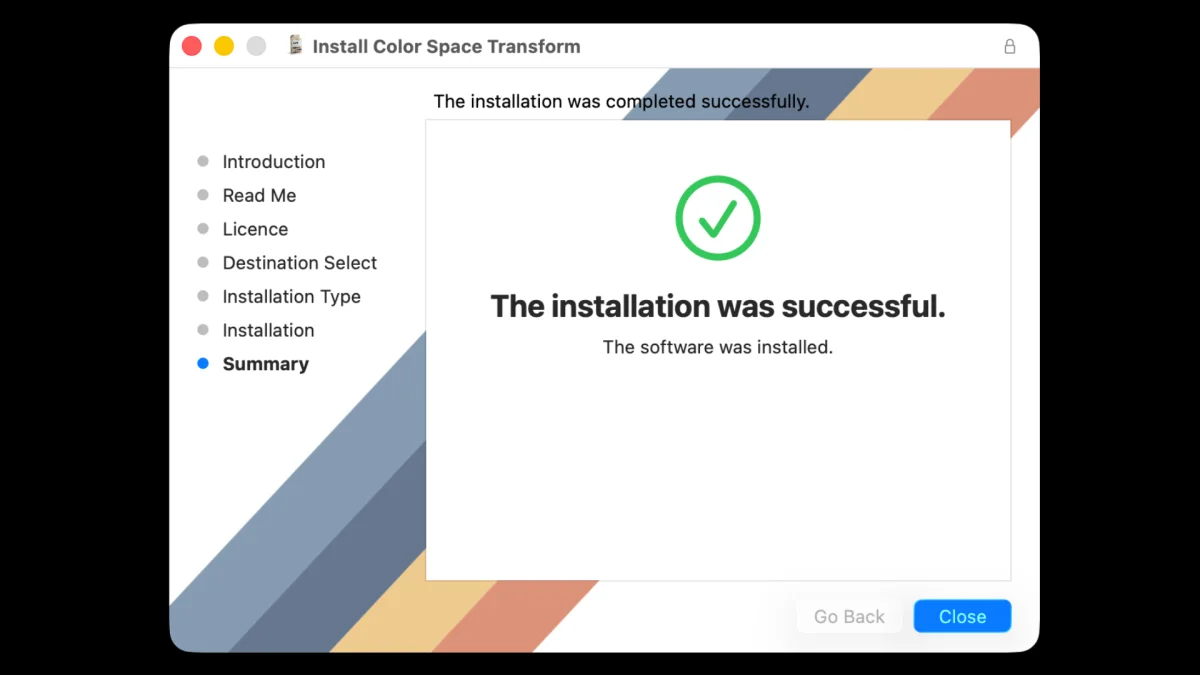
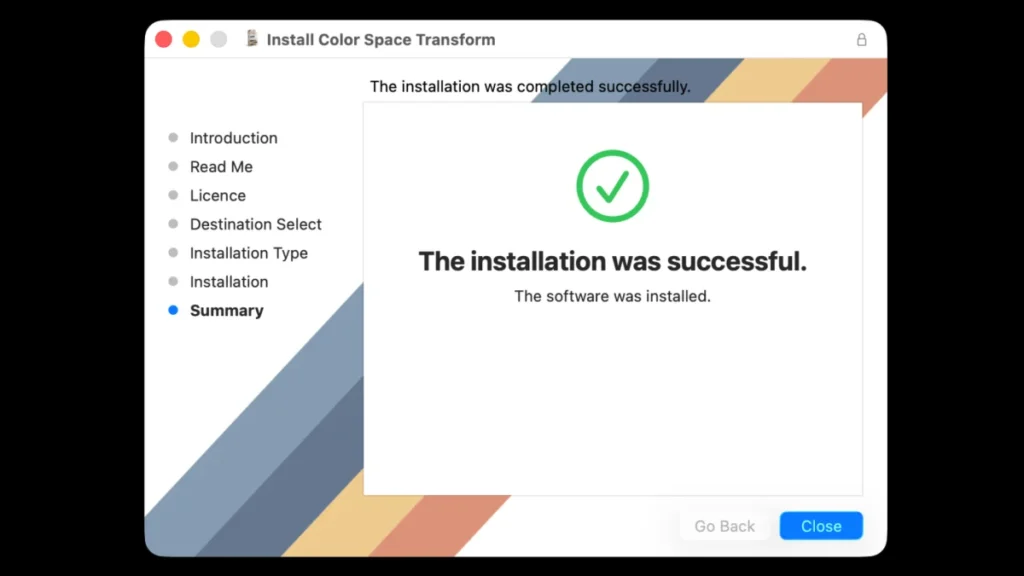
Step 5: Successful installation
After running the installation process, you will see this screen. That means everything has been installed successfully.
The installation did not work? Please see our troubleshooting guides before reaching out to us.
Step 6: Back up your current version (optional but recommended)
Copy and store the dmg.zip file you downloaded somewhere so you can roll back to an older version if you need to.
How can I get an older version of the plugin?
If you did not back up your current version, we’re happy to send you an older version. Just contact us!