Step 1 – Installing the LUTs
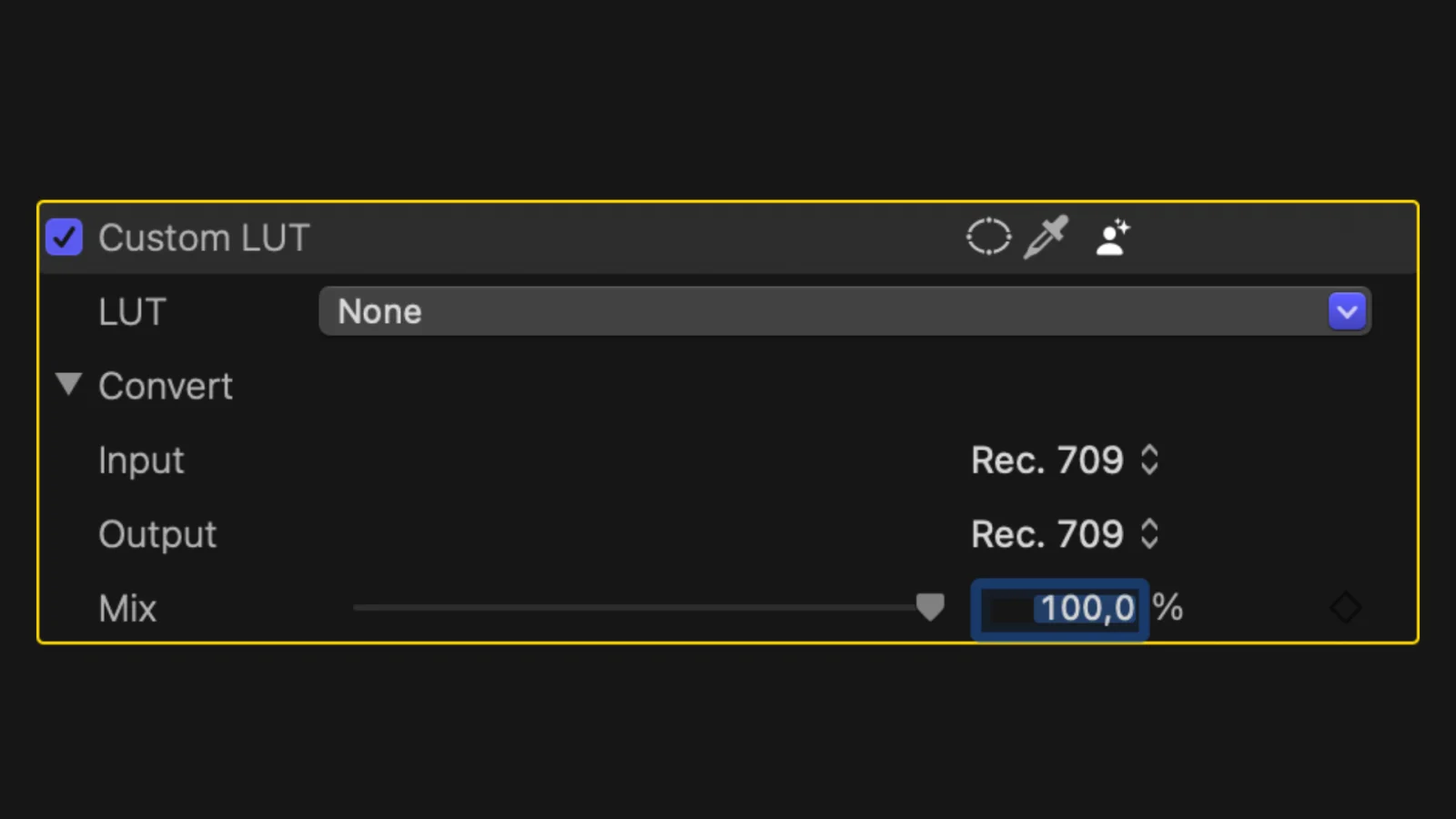
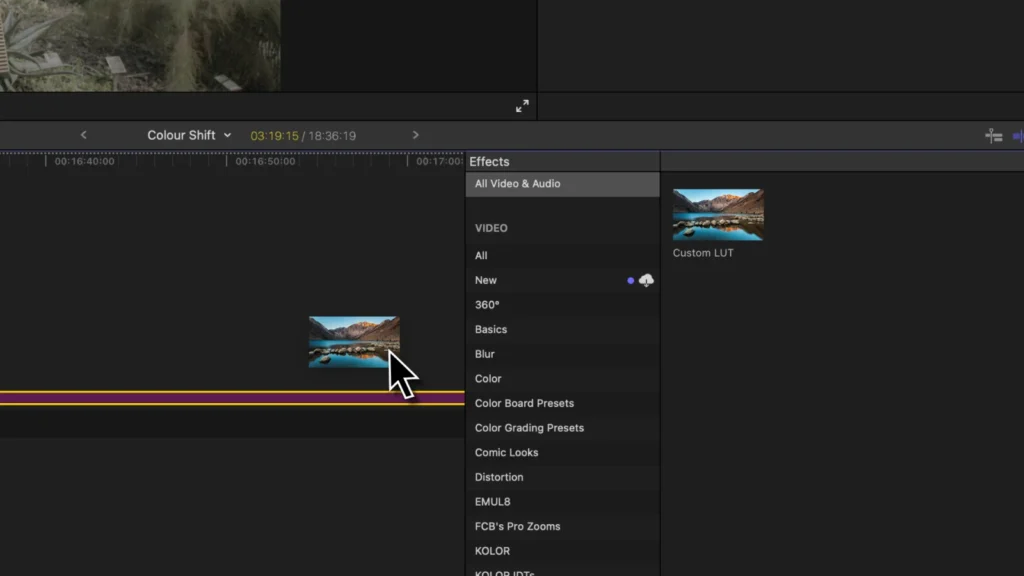
Open Final Cut Pro and apply the “Custom LUT” effect to any random clip.
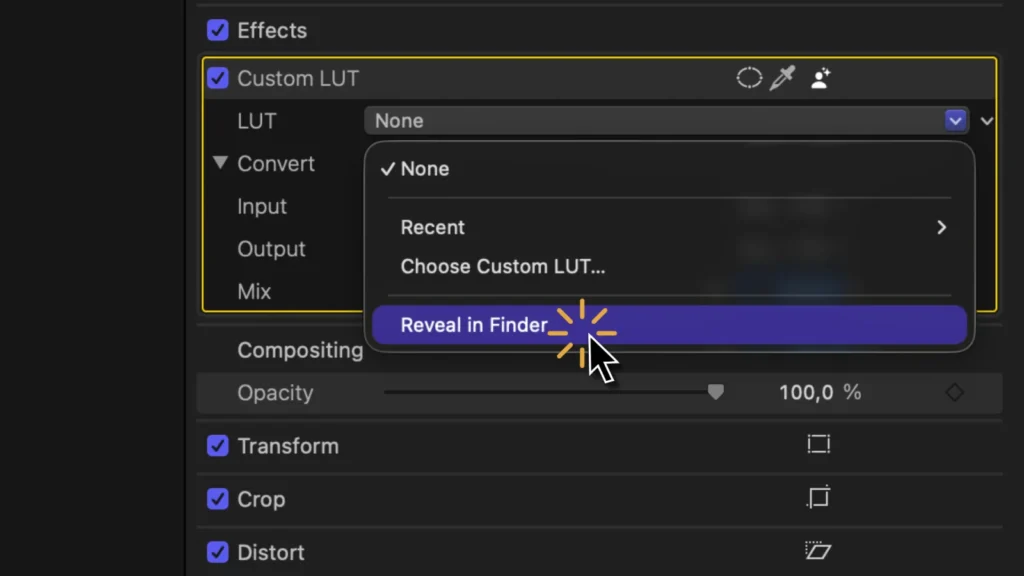
Click on “Reveal in Finder…”
Drag and drop the LUTs you want to install into the folder Final Cut Pro just opened.
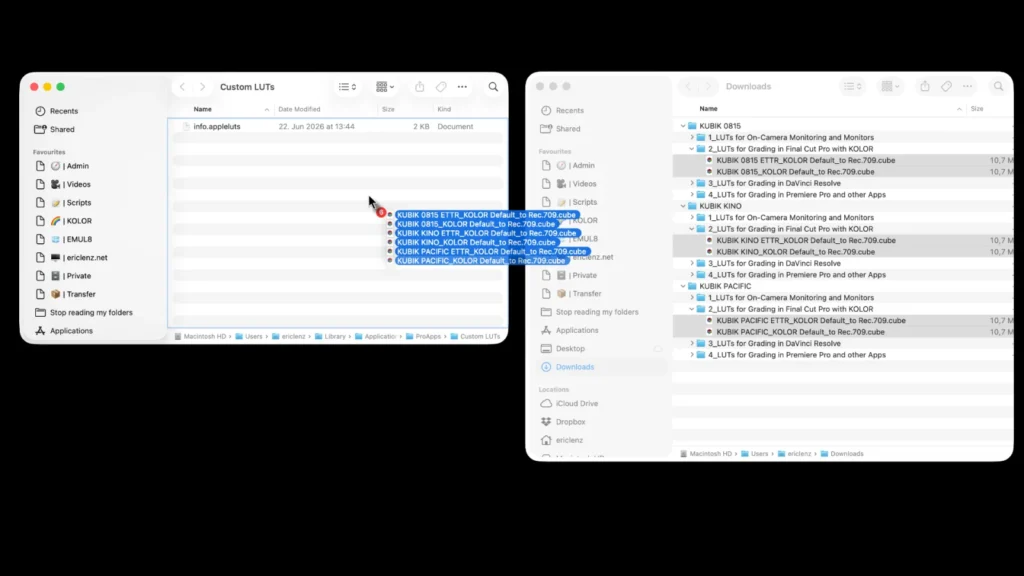
Lastly, relaunch Final Cut Pro and you’re done.
Step 2 (Optional) – Organising your LUTs
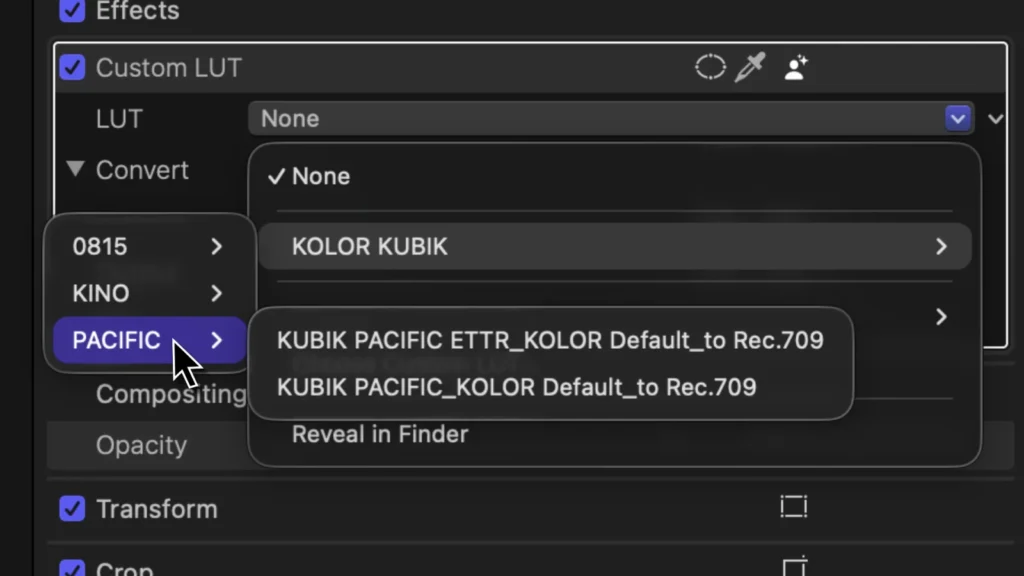
Make folders and subfolders for your LUTs.
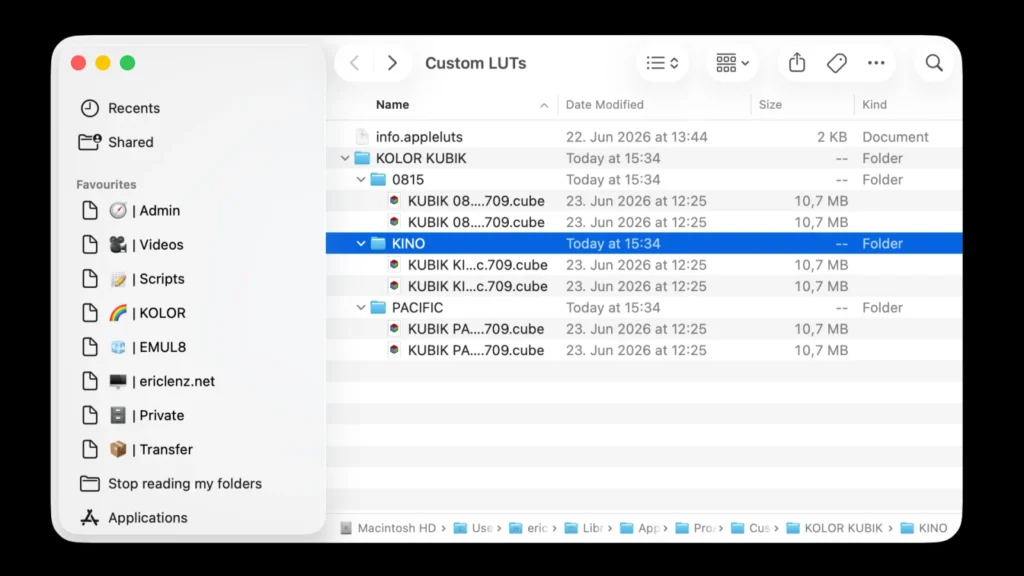
In Final Cut Pro, they will show up as neat drop-downs.