Step 1 – Go to the folder
Make sure you are on the colour page.
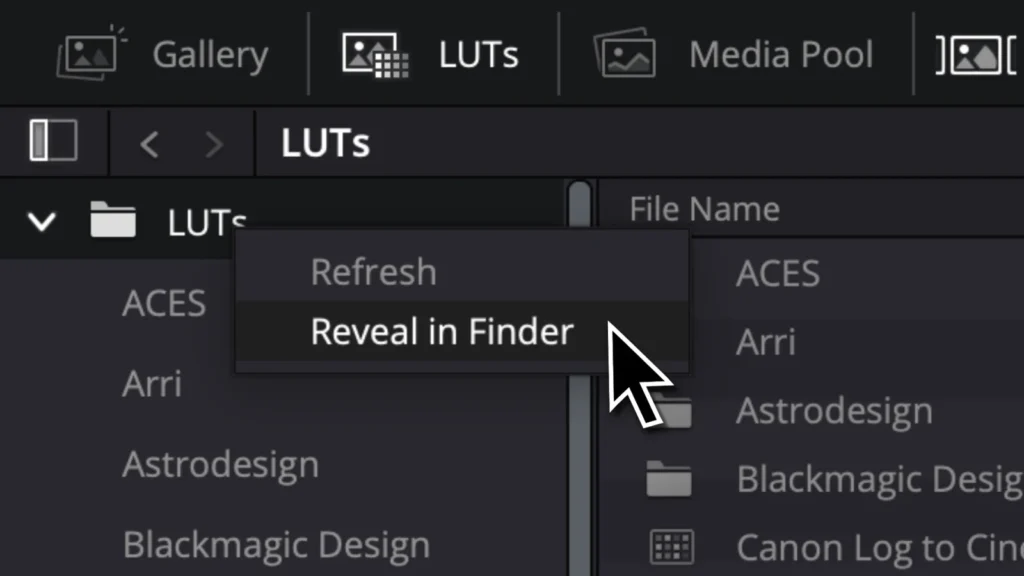
Go to LUTs. Right-click your LUTs folder and select “Reveal in Finder”. On Windows, select “Show in Explorer”.
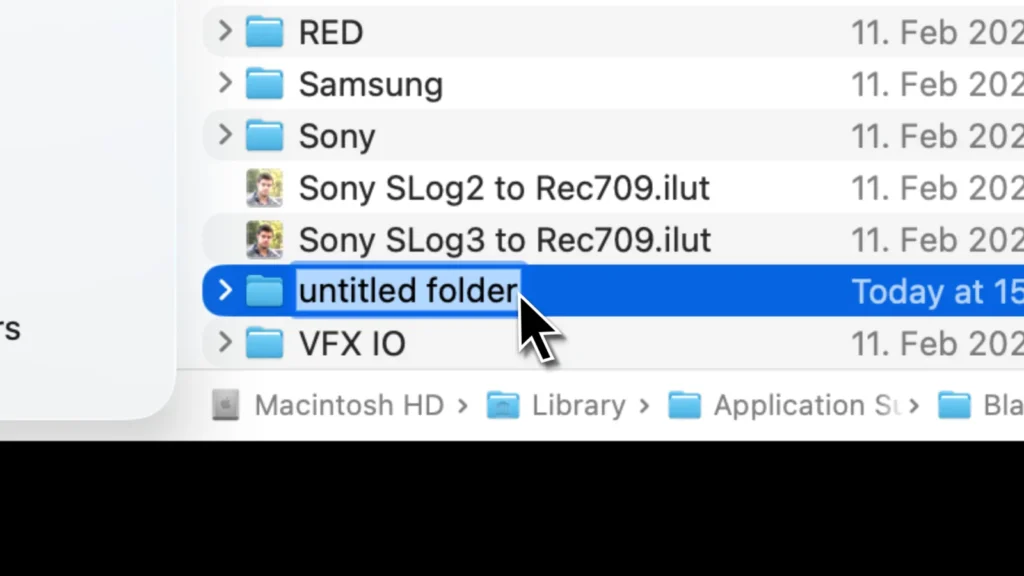
Step 2 – Create a new folder for your LUTs
Give it a name.
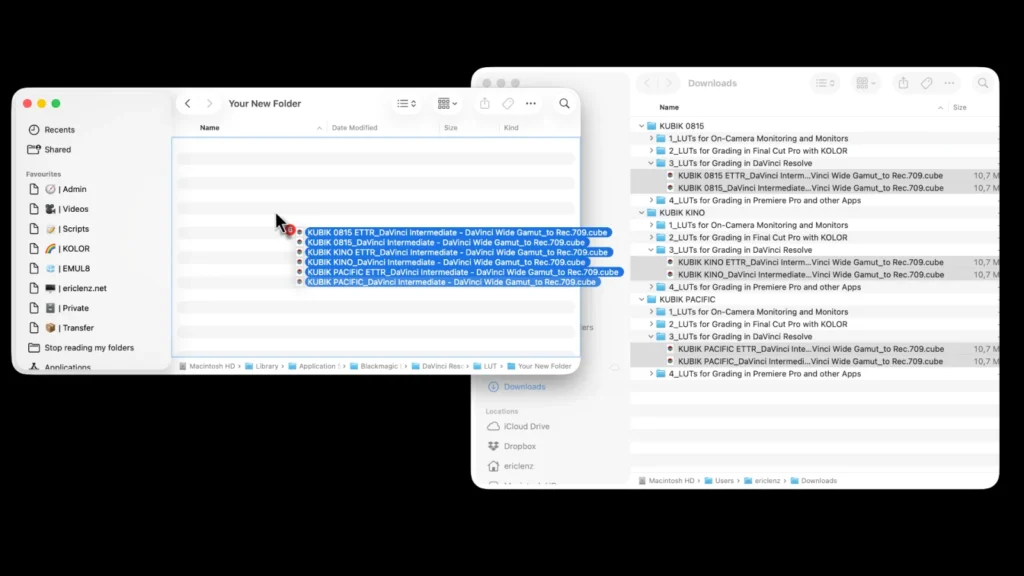
Drag and drop your LUTs into your new folder.
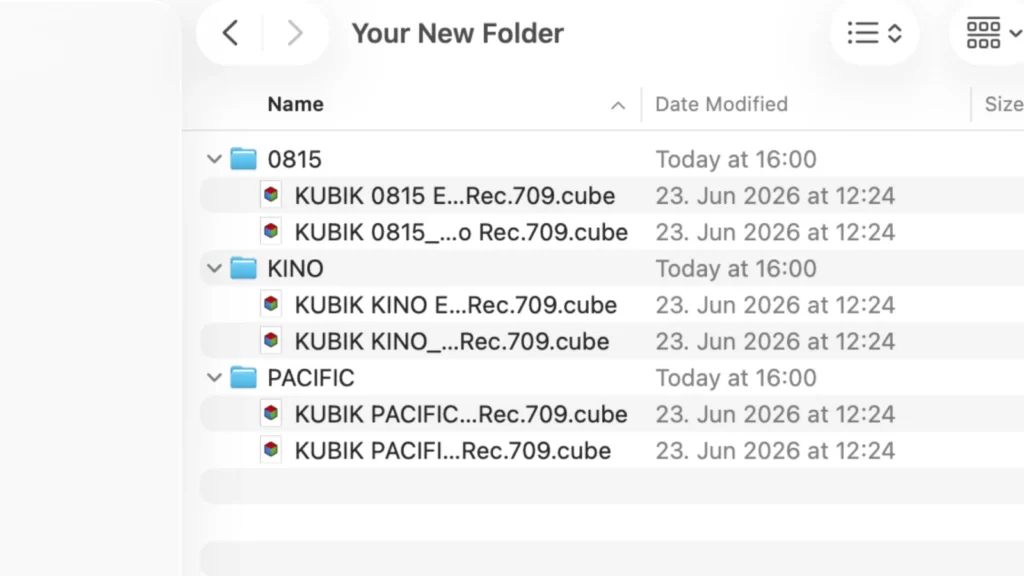
Optional: Add sub-folders for better organisation.
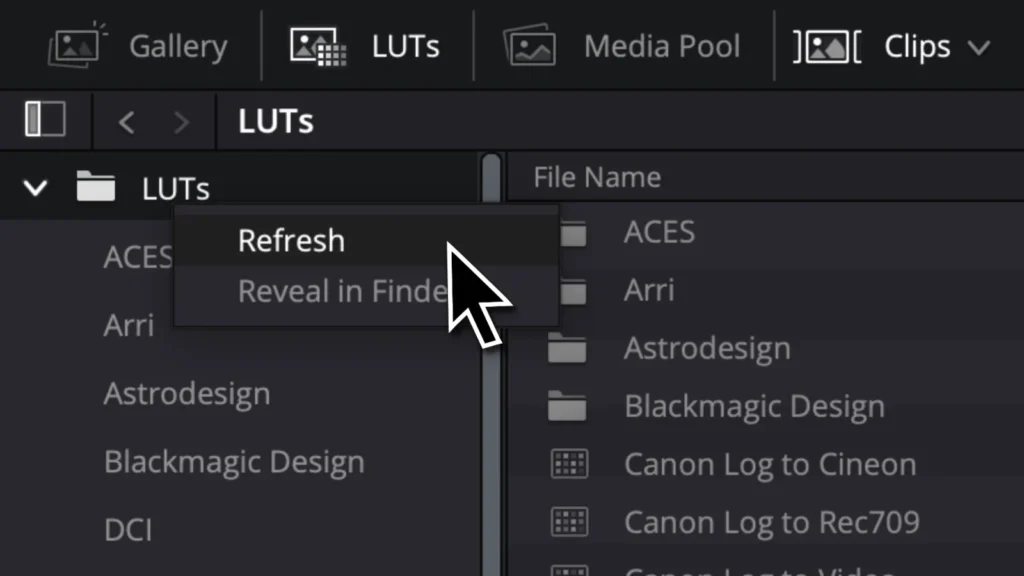
Step 3 – Refresh
Back in DaVinci Resolve, right-click your LUTs folder again and click on “Refresh”.