
Step 1 – Go to the folder
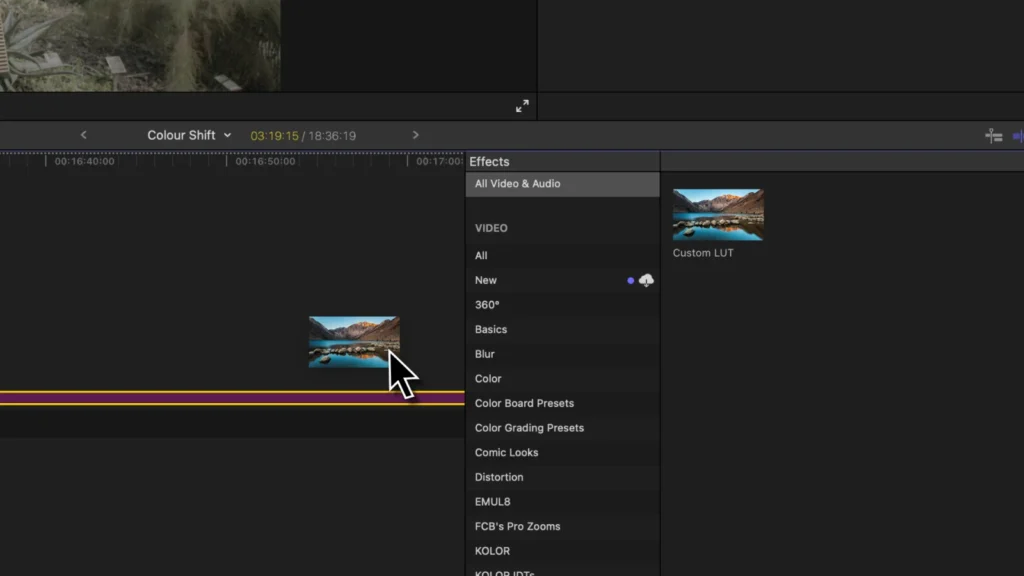
Open Final Cut Pro and apply the “Custom LUT” effect to any random clip.
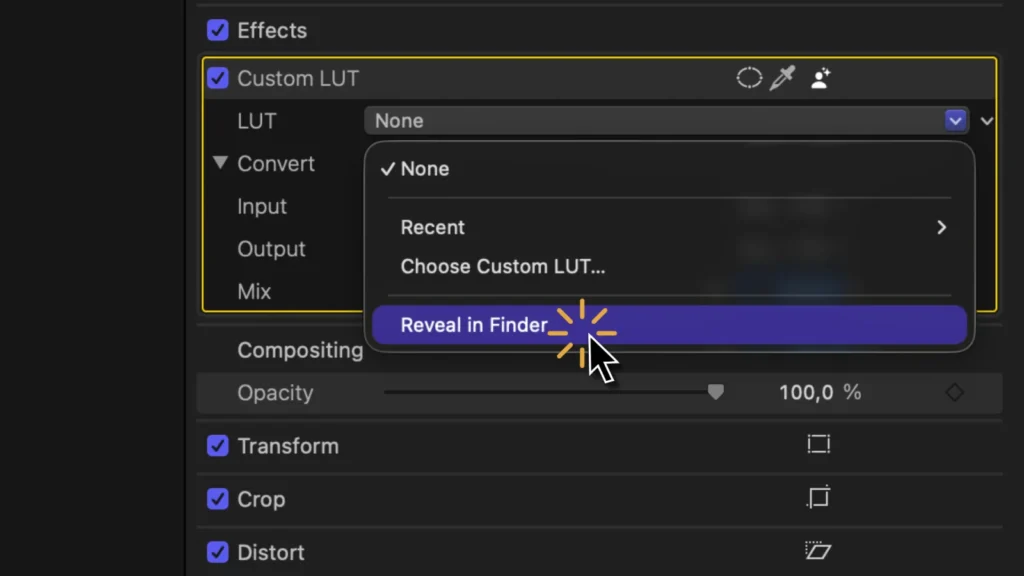
Click on “Reveal in Finder…”
Step 2 – Delete the LUTs
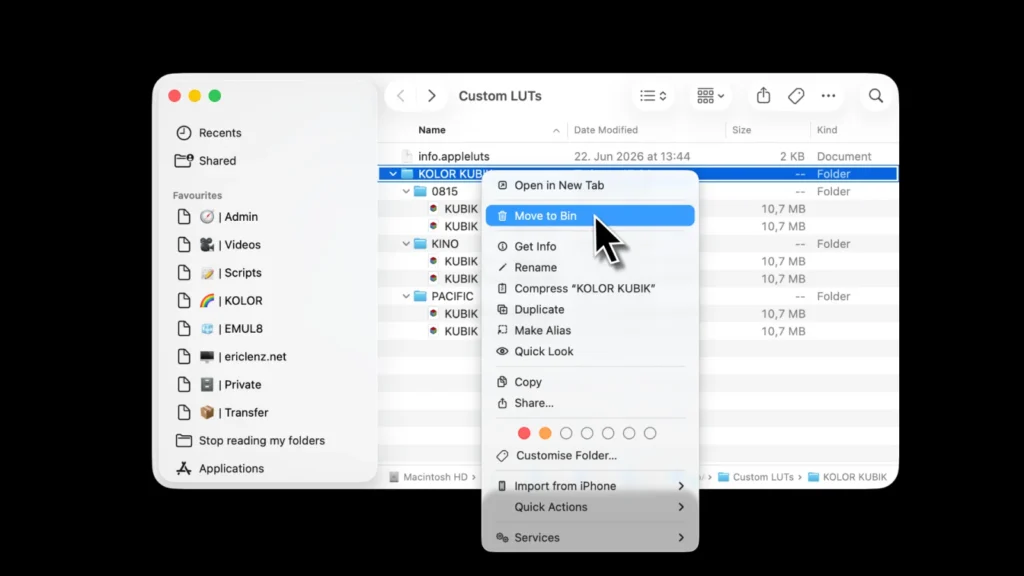
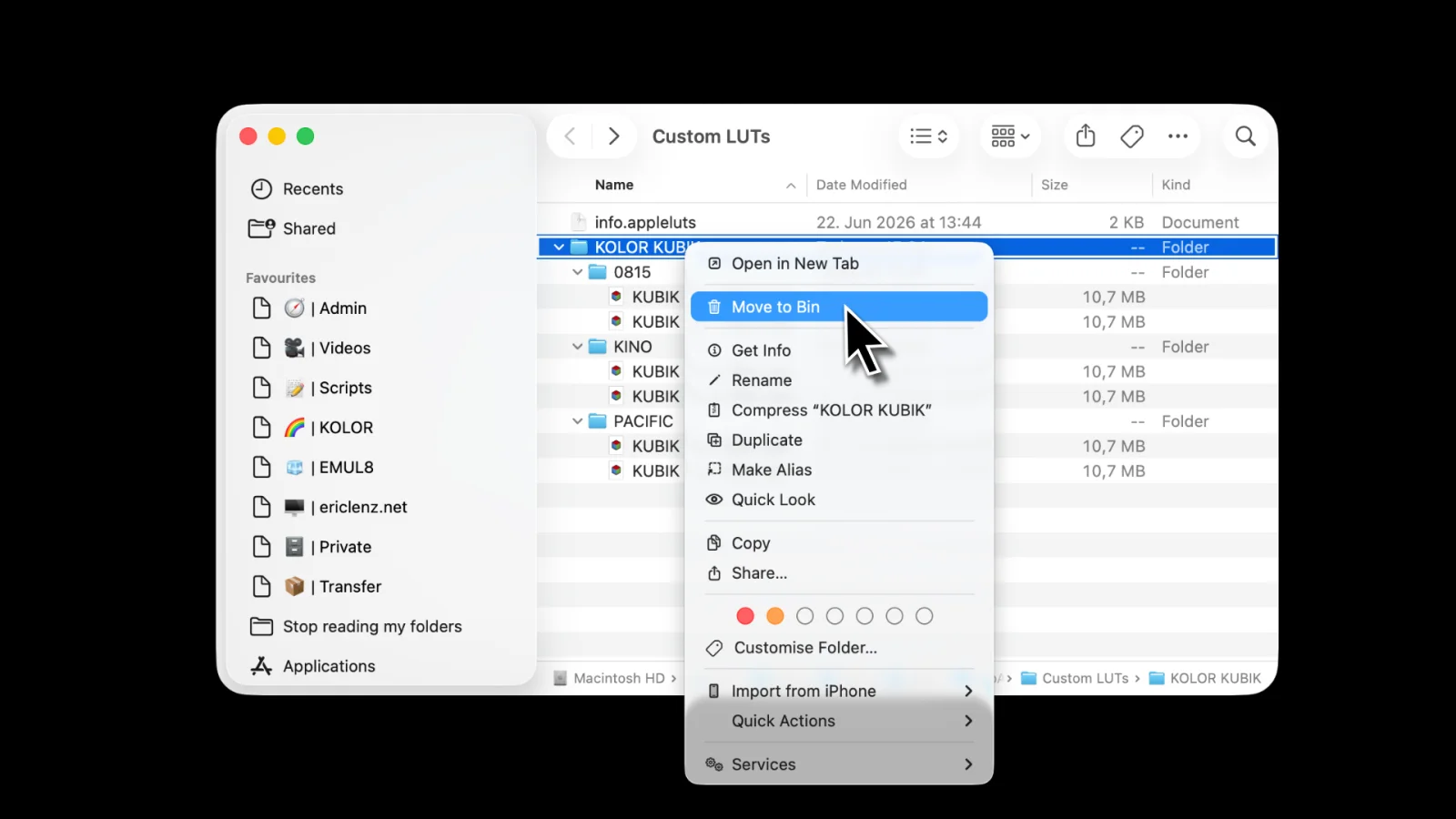
Delete the folders or individual LUTs.
Restart Final Cut Pro.
How to remove LUTs from Final Cut Pro.
Published in
Applies to
Published
Time to Read
Open Final Cut Pro and apply the “Custom LUT” effect to any random clip.
Click on “Reveal in Finder…”
Delete the folders or individual LUTs.
Restart Final Cut Pro.