
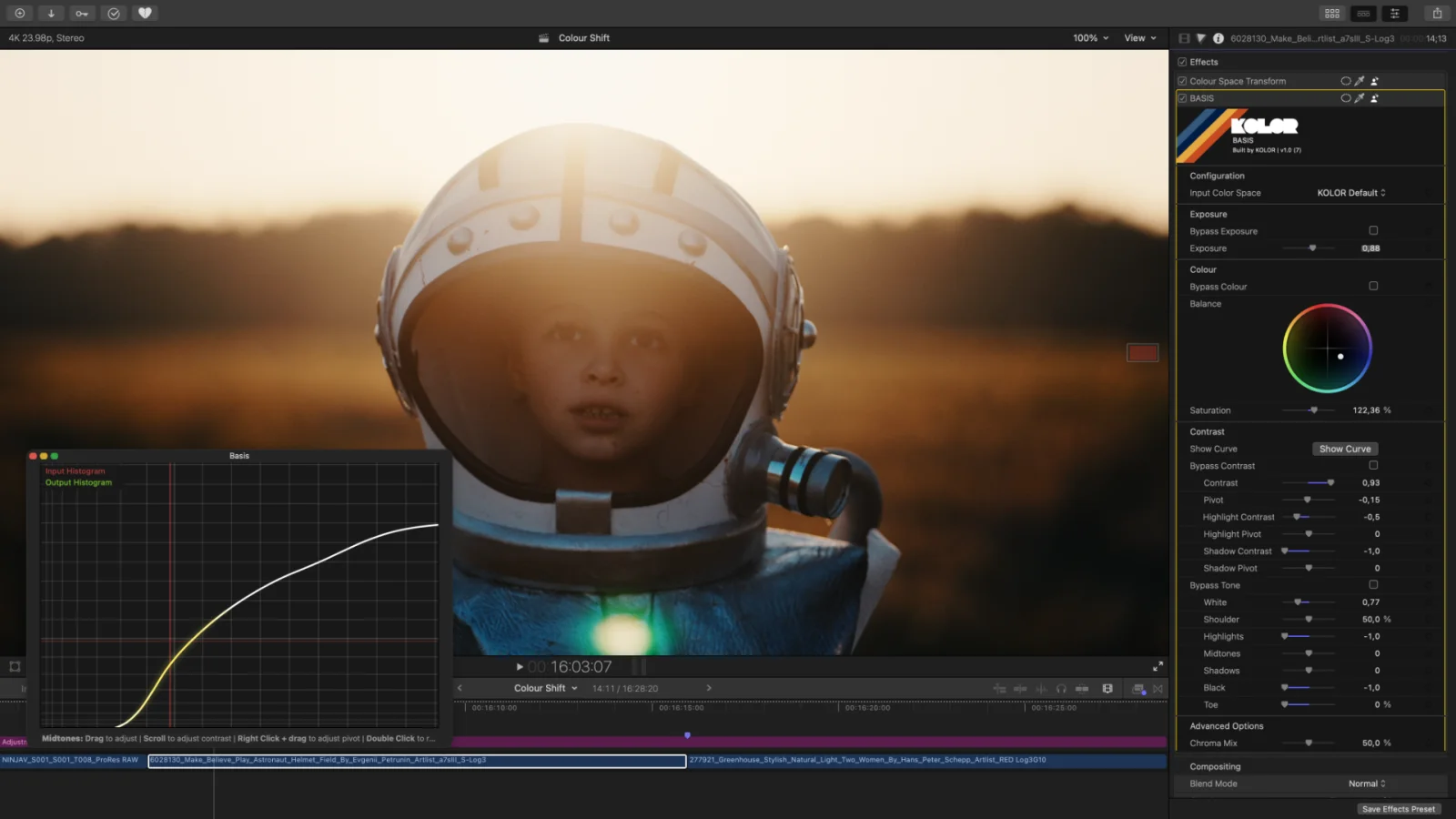
What’s causing this issue?
We thoroughly investigated this behaviour. The issue appears when you use the global “Reset Parameter” option in the top left corner for an entire plugin.
This is an issue caused by Apple as we can reproduce this issue with multiple plugins, not just our own.
Sadly, there is nothing we can do about it.
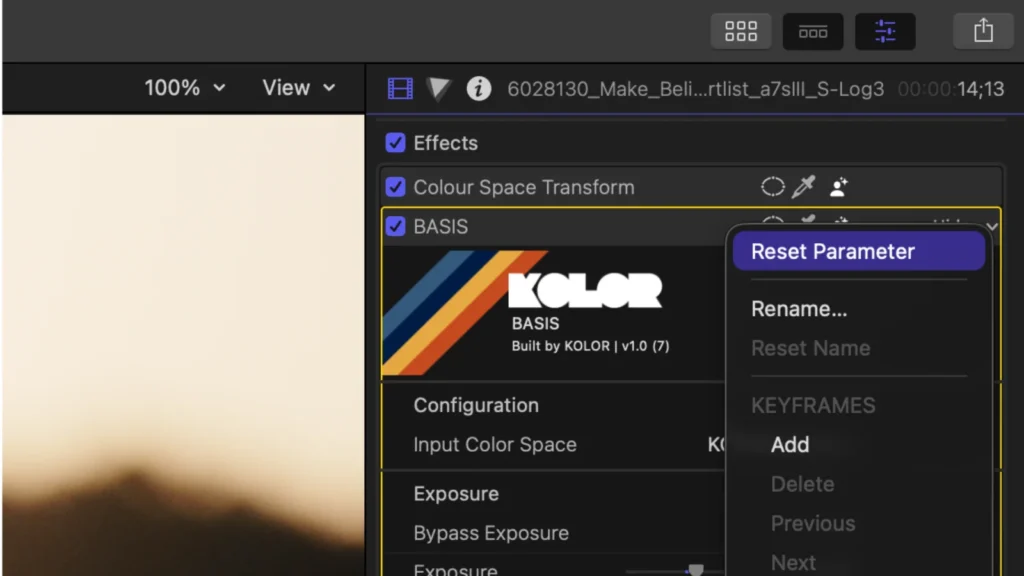
How to fix it
If you have used the global “Reset Parameter” option, there is nothing you can do. If you’re lucky and you can still undo this operation, undo it.
If you cannot undo this anymore, you need to delete the plugin from your clip and apply it again.
How to reset instead
To avoid this issue you can reset your parameters in two different ways.
Either reset an entire group.
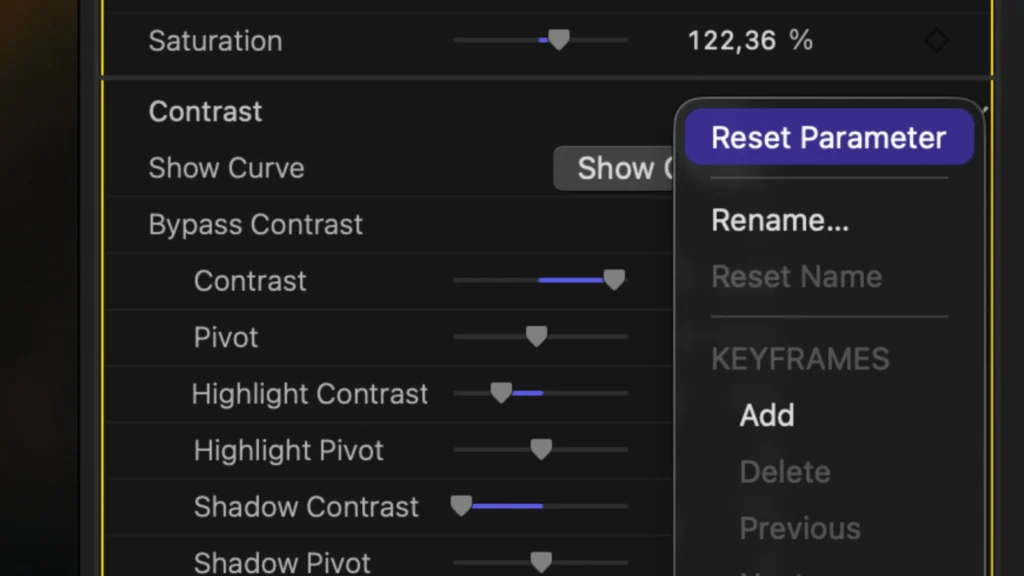
Or reset individual parameters.
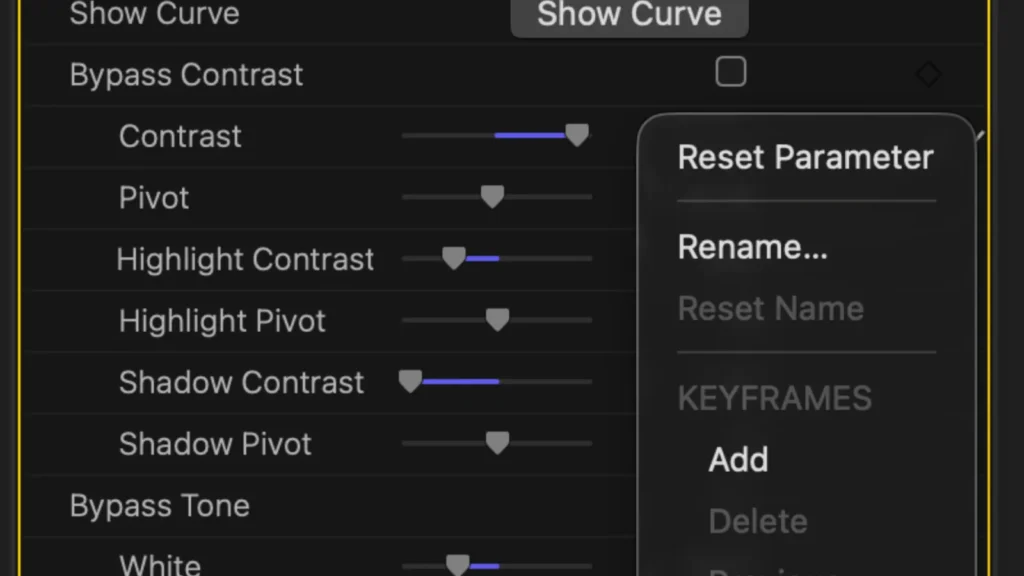
We know, that blows
Good thing is, this is a well known issue by now and we hope Apple fixes it sooner rather than later.