
What you will learn
- Why standard LUT workflows in Final Cut Pro throw away your camera’s dynamic range and colour data.
- Demonstrating why built-in LUTs limit flexibility, particularly when trying to match multiple cameras.
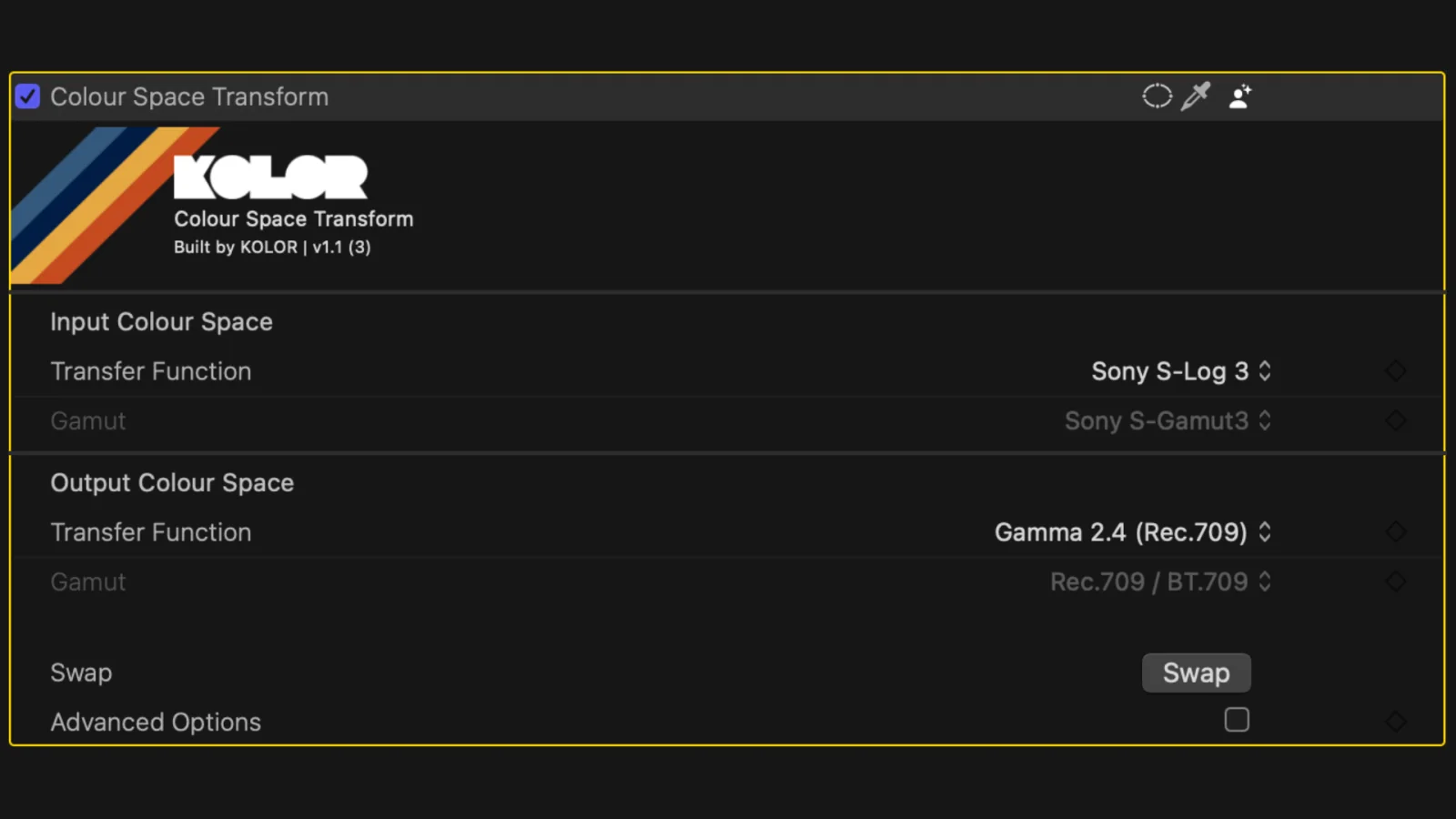
- Basic workflow Setup: How to use the plugin’s simple interface by selecting Input and Output color spaces.
- Advanced control (Gamuts): Understanding how to manually manage gamuts using advanced options.
- Working with multiple cameras: The necessity of converting different camera footage into one common, intermediate working space (e.g. ACES, DaVinci Intermediate or KOLOR Default).
- Batch Processing: Using IDT (Input Device Transform) and ODT (Output Device Transform) presets to apply the same correction across hundreds of clips simultaneously.