
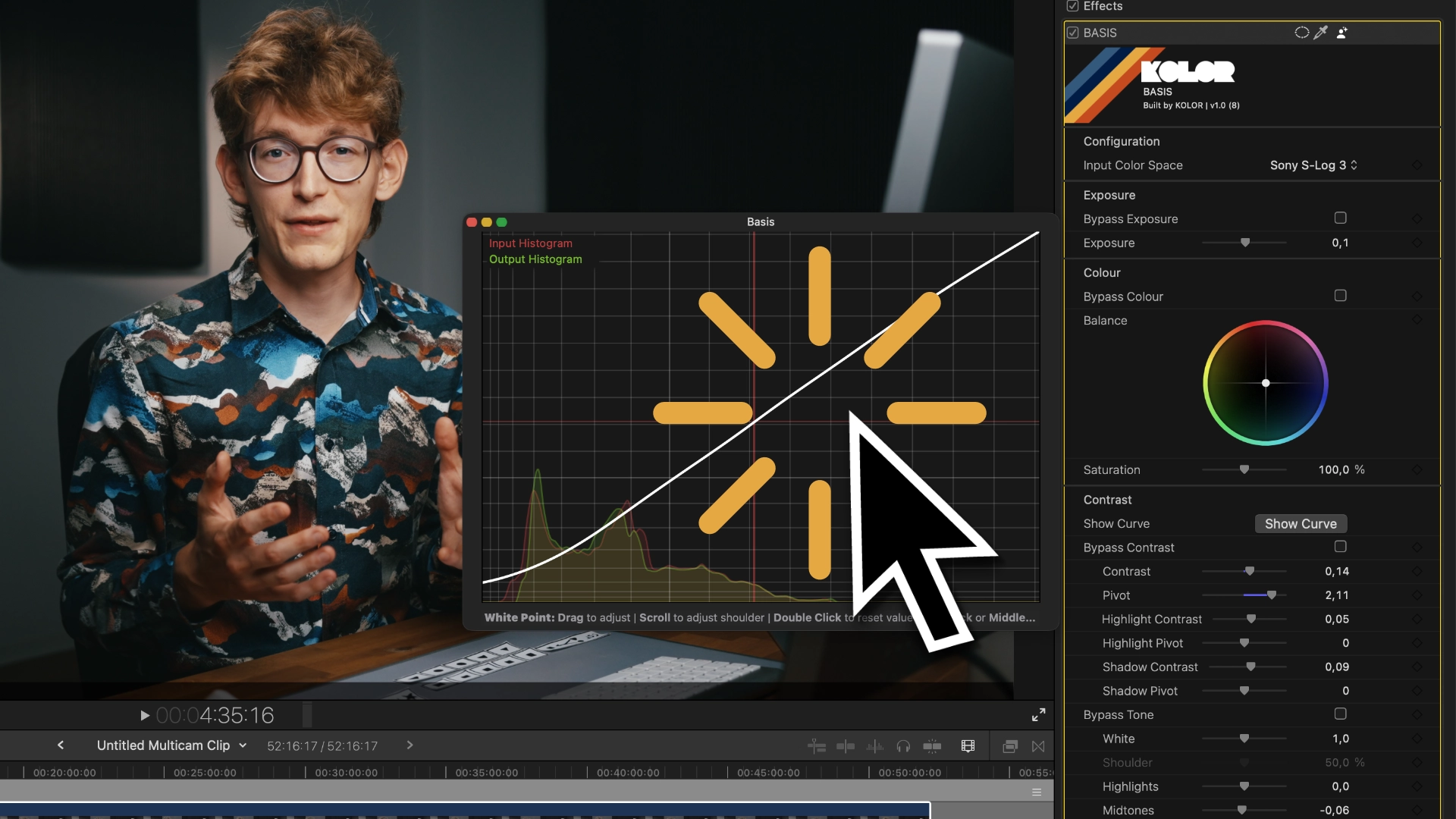
General Info
All gestures work with a regular mouse, Apple’s Magic Mouse and a trackpad!
You just need to have secondary click (right click) enabled.
Overview

Adjust Region Value
Adjust the value of whites, highlights, midtones, shadows and blacks by clicking and dragging.

Reset Region Value
Double click a region to reset its value. This leaves adjustments to contrast, pivot, shoulder and toe intact.

Adjust Contrast and Region Contrast
Hover over the midrange and scroll to adjust the overall contrast of your image. Hover over the highlight or shadow region to adjust highlight- or shadow-contrast respectively.


Reset Contrast and Region Contrast
Click the middle mouse button or hold ALT and left-click to reset the contrast.
Attention! This leaves your previously set pivot intact.

Adjust Pivot and Region Pivot
By clicking and dragging using your right mouse button, you can change the pivot of the general contrast, the highlight and the shadow contrast respectively.

Reset Everything
Hold CMD and left-click anywhere to reset the entire contrast and tone adjustment.

