
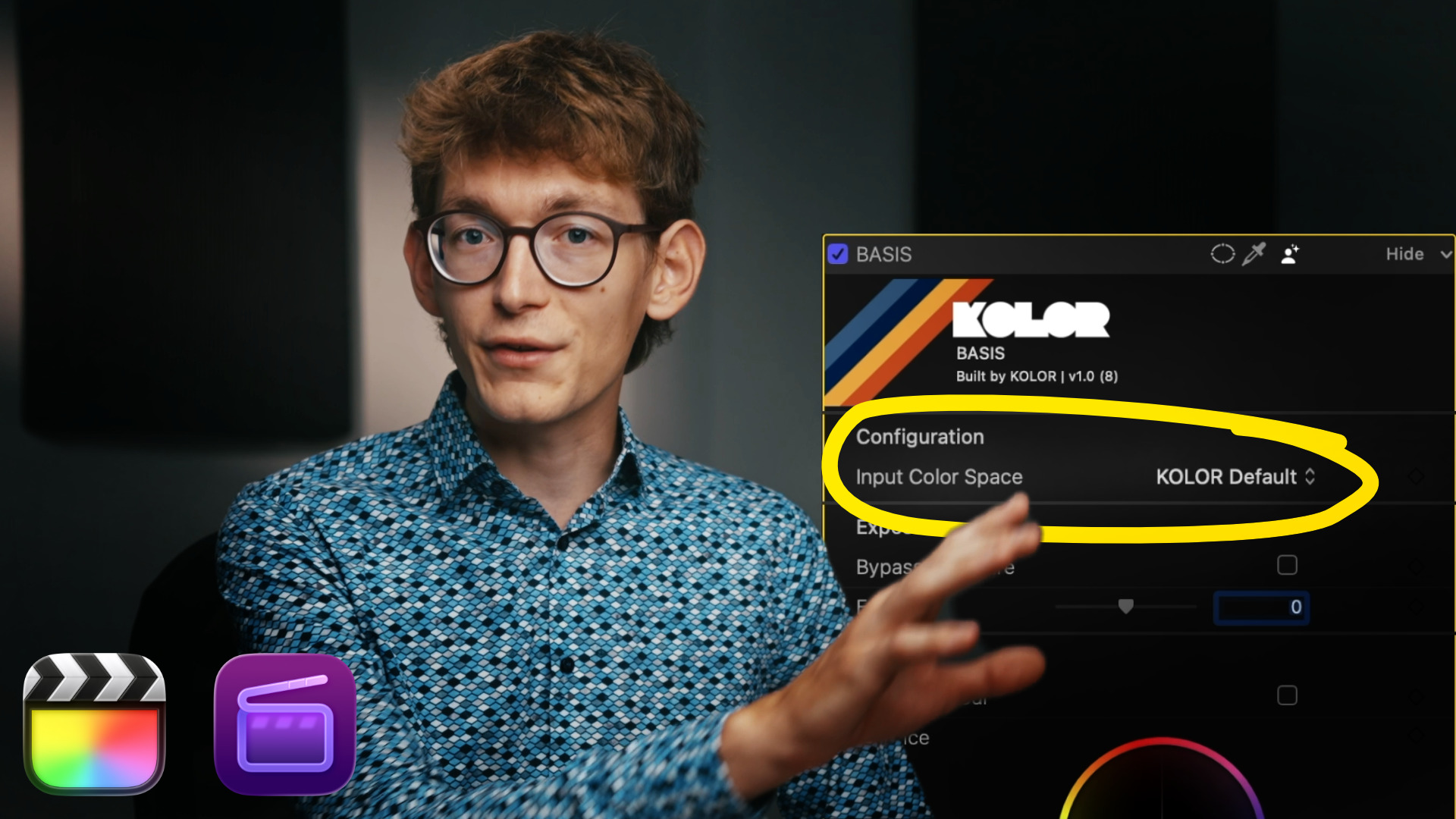
In this tutorial, we take a look at colour managing a timeline when using only one camera. Even with footage from only one camera, colour management is still essential. We also take a look at BASIS’ colour space setting and answer the question how and when you should use it.
We cover:
- Colour Management Basics
- Colour Management in Final Cut Pro
- How to use LUTs with BASIS and the Colour Space Transform
- Working with custom LUTs
- LUTs for Rec.709
- LUTs built for certain colour spaces
- Camera colour spaces vs working colour spaces
You will find time stamps in the video for easier navigation.
In this tutorial, we use these products:

