
Support for Colour Space Transform for Final Cut Pro
Table of Contents
General
-
What is the KOLOR Default Colour Space?
Getting to know the KOLOR Default working colour space.
Tutorials & Quick Start Guides
-
Workflow with only one Camera (+ BASIS Working Colour Space)
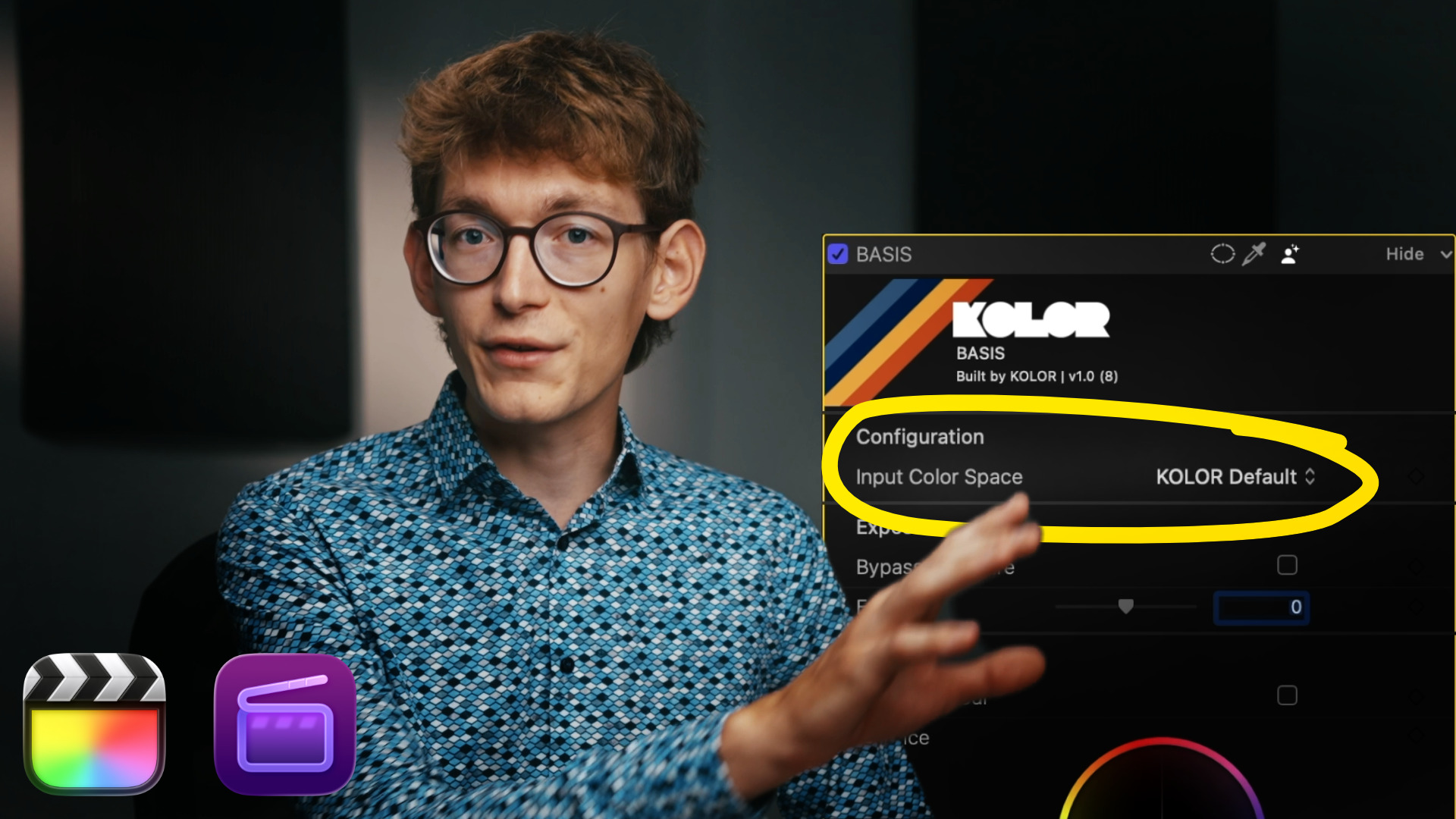
If you work with only one camera, colour management is still essential. Learn how to manage your timeline so grading becomes easy, fast and predictable.
-
Getting started with Colour Grading and Colour Management
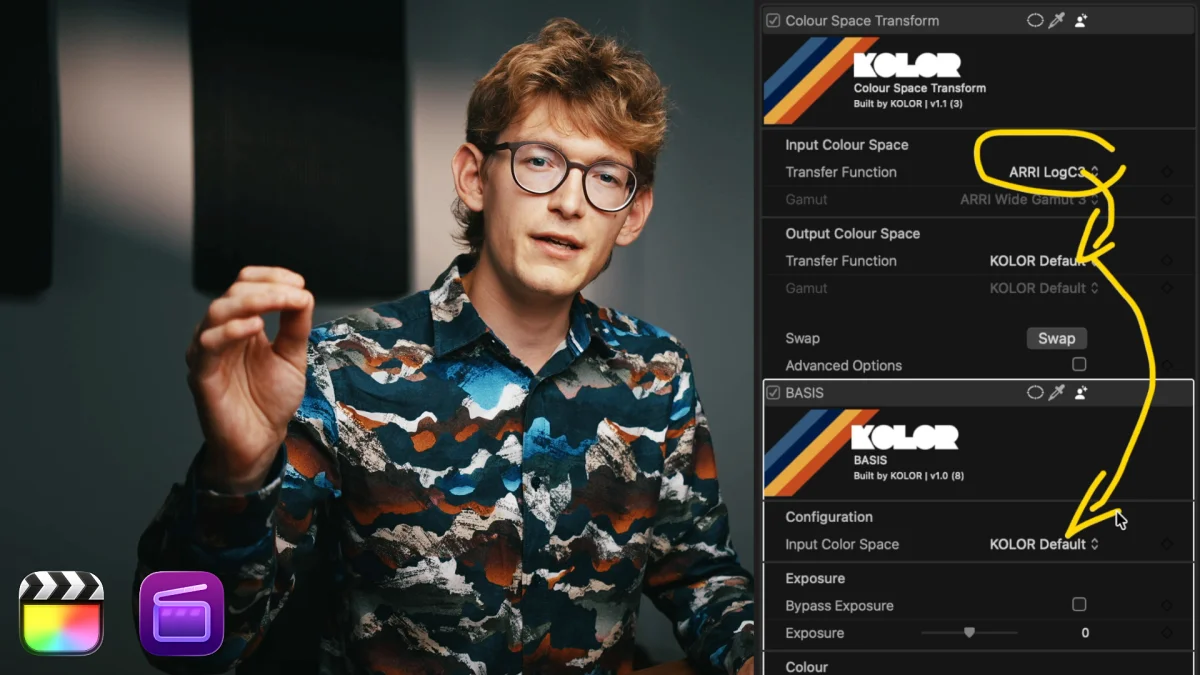
In this tutorial, we take a look at everything you need to know to start colour grading in Final Cut Pro. Learn all bout colour management, colour space transforms and custom LUTs in your colour grading process.
-
Getting started with the Colour Space Transform for Final Cut Pro
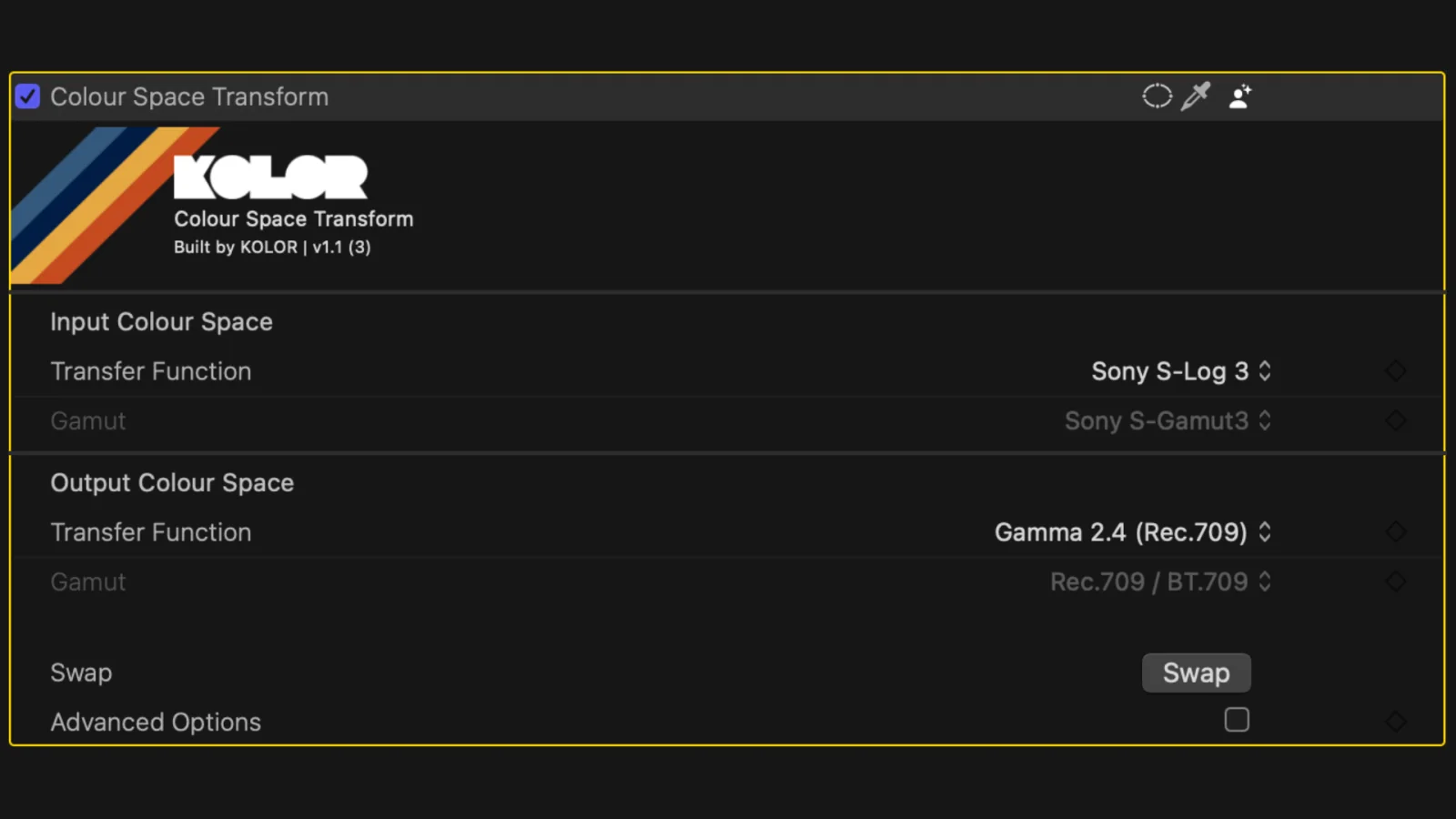
Truly professional colour grading is coming to Final Cut Pro. Get started with our Colour Space Transform for Final Cut Pro for free!
Installation
-
Installing a KOLOR Plugin in Final Cut Pro
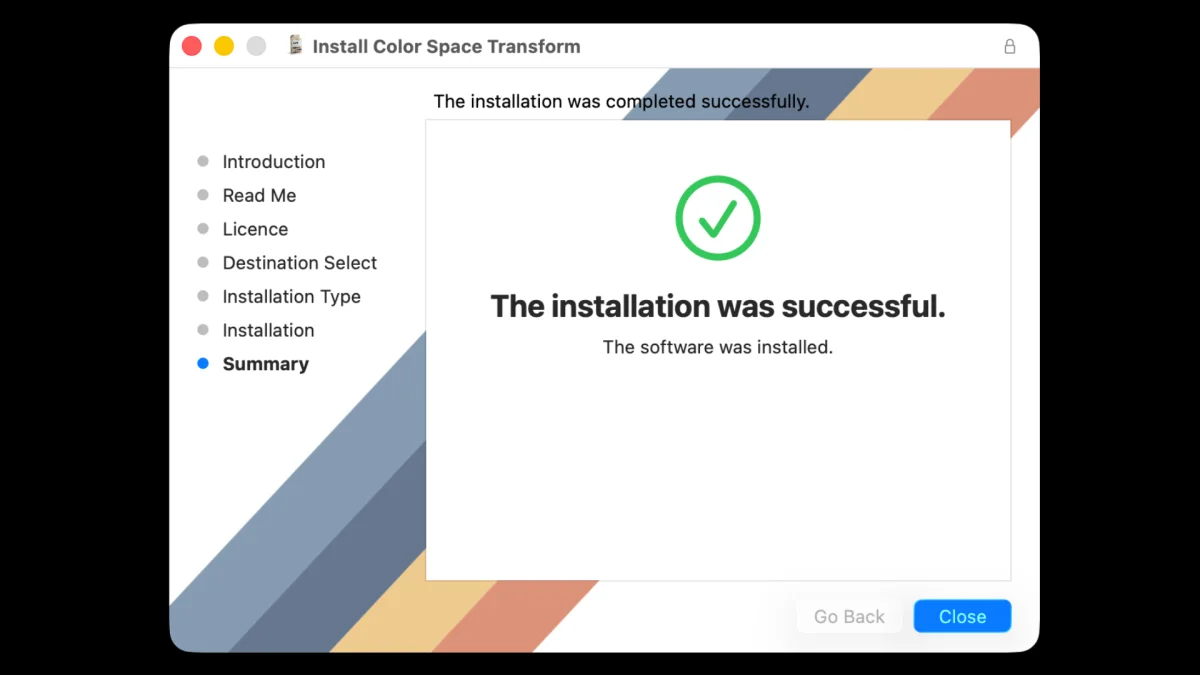
How to install KOLOR Plugins for Final Cut Pro
-
Installing KOLOR Plugins Manually
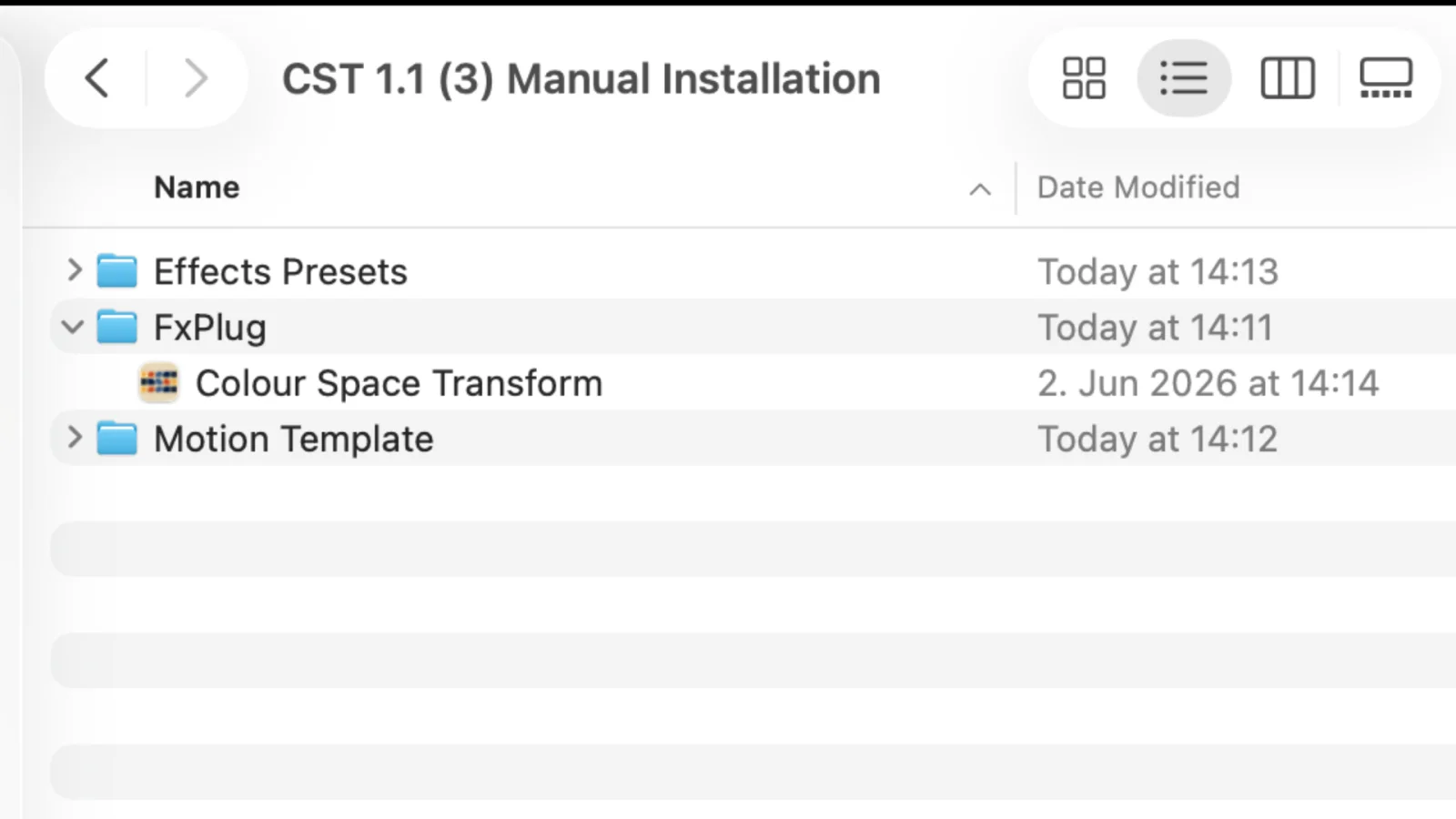
If your KOLOR plugins don’t show up in Final Cut Pro after installing, you should install the plugins manually. This usually fixes the issue. Here is how to do it.
Updates
-
How to Update the KOLOR Colour Space Transform Plugin
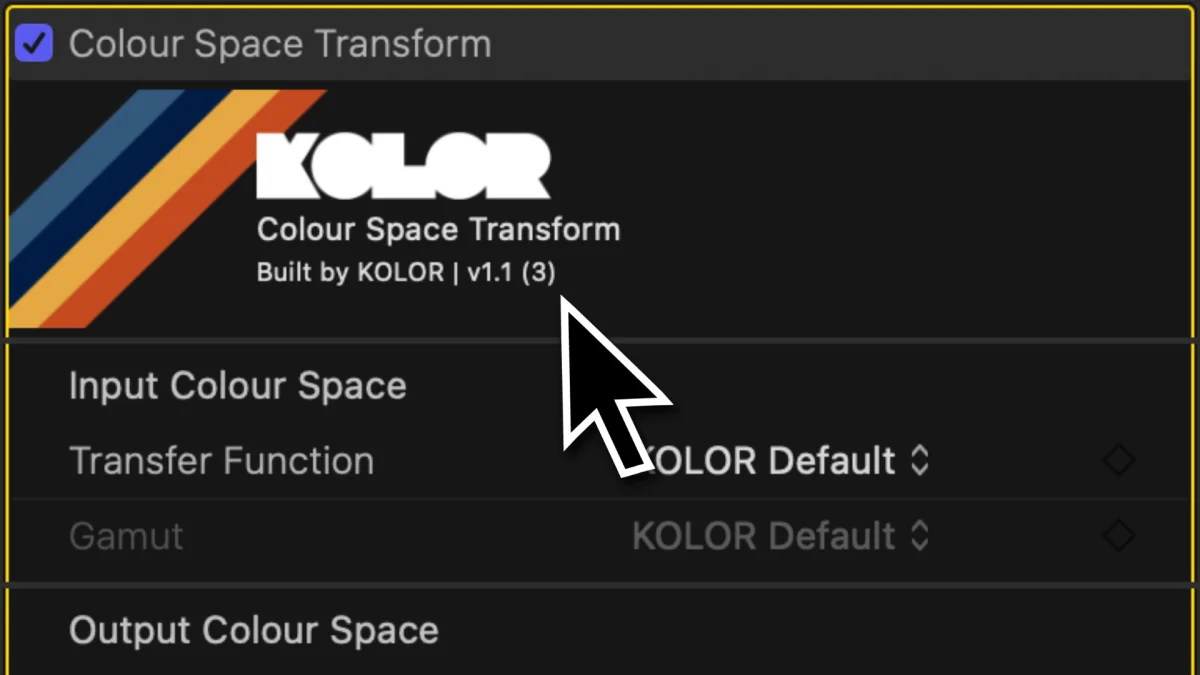
Everything you need to know about how to update the KOLOR Colour Space Transform for Final Cut Pro.
Uninstallation
-
Uninstall KOLOR Plugins for Final Cut Pro
Learn how to uninstall KOLOR Plugins for Final Cut Pro.
Troubleshooting & Known Issues
-
Viewer Image Shows Flickering on Playback or Scrubbing
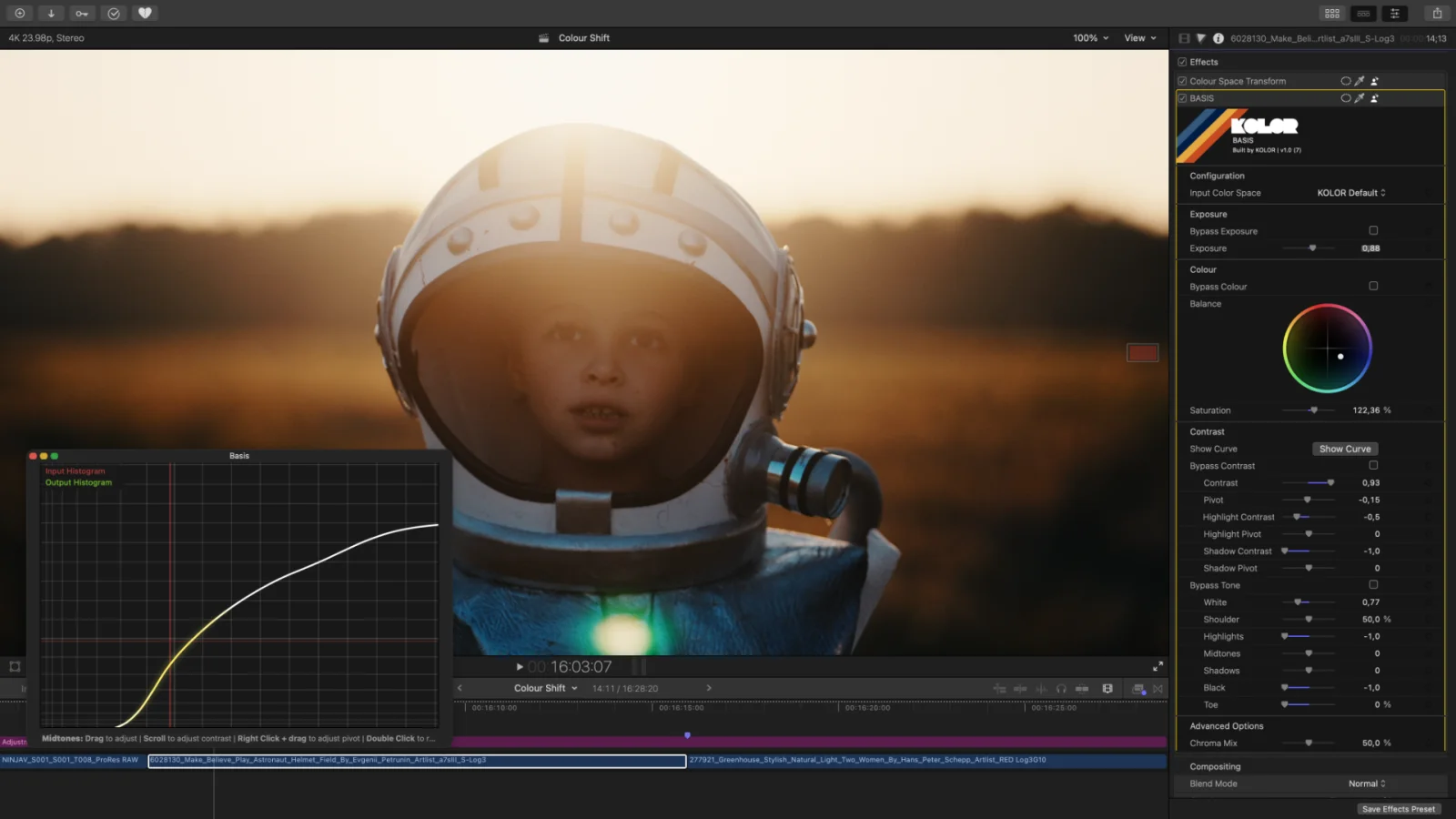
Fixing flickering images in Final Cut Pro. The reason your image flickers and how to fix it.
-
IDT and ODT effects preset show “Missing Media” screen
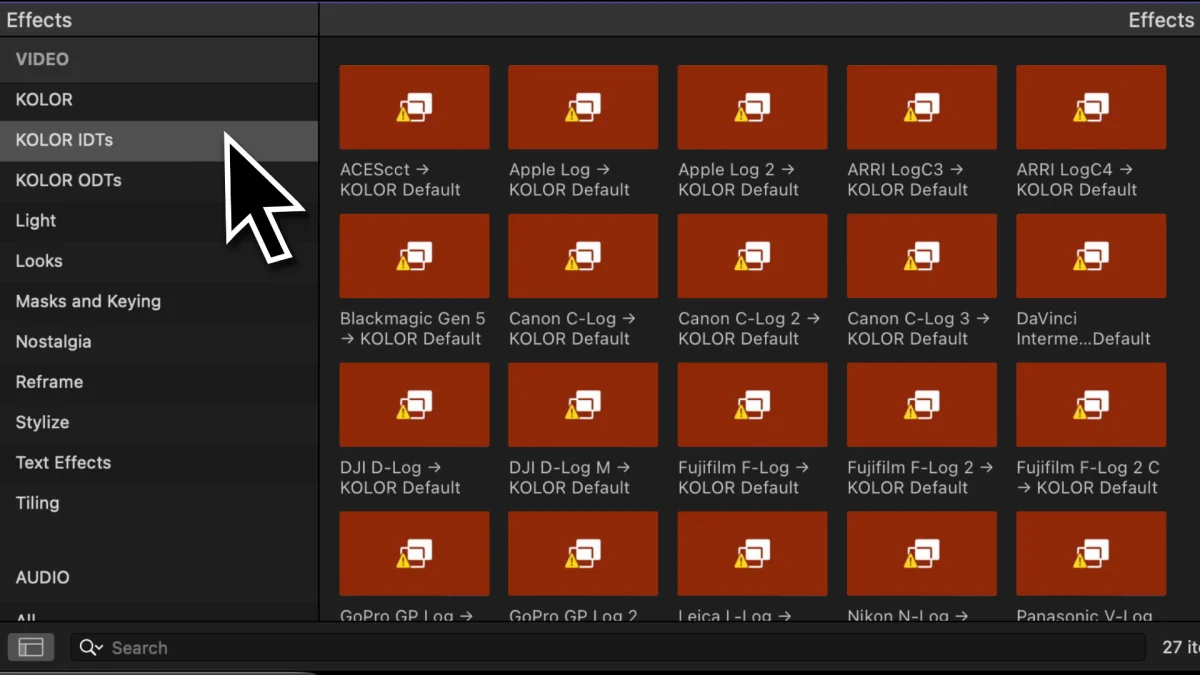
How to fix an issue where presets in Final Cut Pro show the “Missing Media” Screen. This affects especially the IDT and ODT presets that come with our Colour Space Transform for Final Cut Pro.
-
Installing KOLOR Plugins Manually
If your KOLOR plugins don’t show up in Final Cut Pro after installing, you should install the plugins manually. This usually fixes the issue. Here is how to do it.
-
Fixing Colour Shifts with Rec.2020/BT2020 Footage and Apple Log 1 in Final Cut Pro
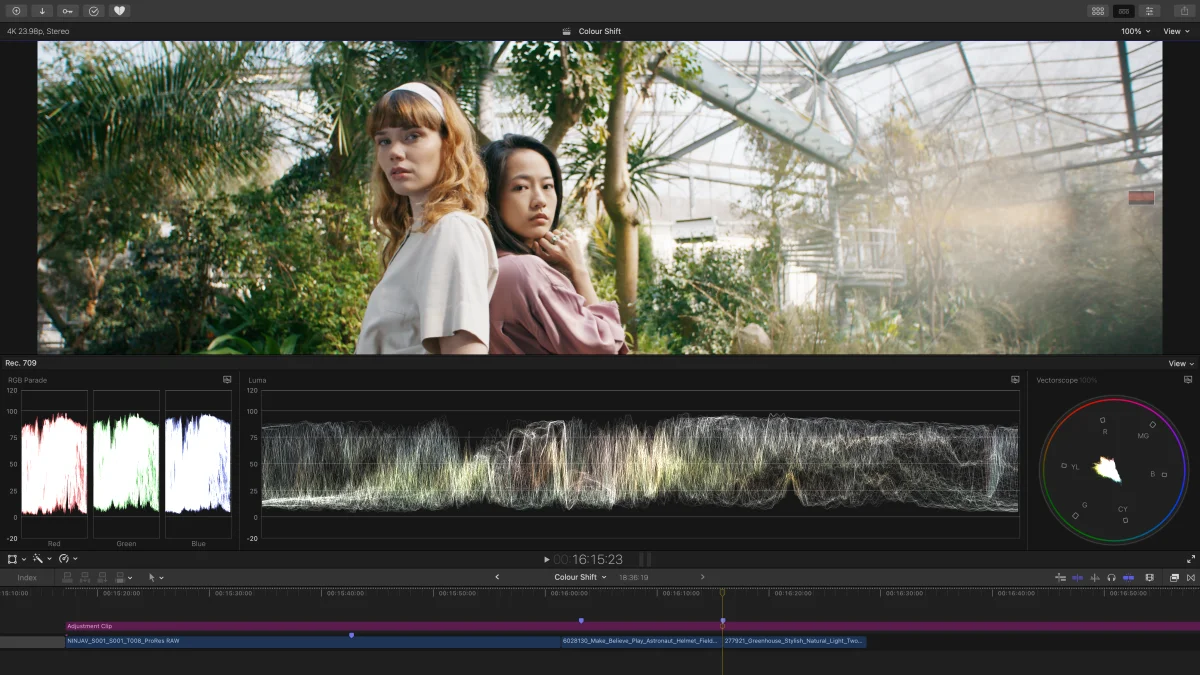
How to fix colour shifts in Final Cut Pro when working with Rec.2020 or BT2020 footage. This solves issues with Apple Log, Canon, FujiFilm, Leica, Nikon and other cameras utilising the Rec.2020 gamut.

